Hytale Skins Directory
Browse thousands of custom character skins for Hytale. Download your favorites and make your character unique!
The Hytale Skins Directory is live! Create and publish your Hytale skins for free using our Skin Editor
Follow @HytaleSkins for updates
Showing 1 - 10 of 27 skins
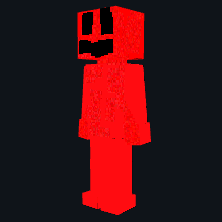
View Skin
red guy
1653
0 magni12022•Jan 31, 2026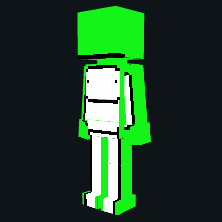
View Skin
Dream
2603
0 wyaRedBunnyX•Jan 29, 2026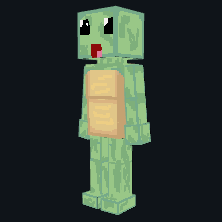
View Skin
Turtle
2802
0 H4racan•Jan 26, 2026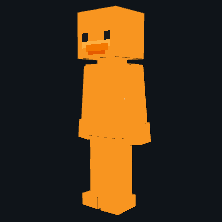
View Skin
Duck
5792
0 GodWar•Jan 22, 2026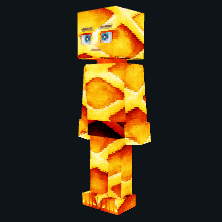
View Skin
UnlawfulWaffles V2
491
0 UnlawfulWaffles•Apr 13, 2026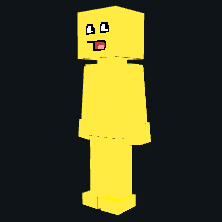
View Skin
Epic Face
1581
0MellonNinja•Jan 27, 2026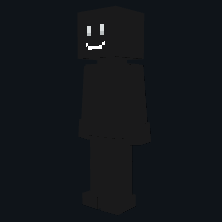
View Skin
Shadow Smiler
3581
0GodWar•Jan 22, 2026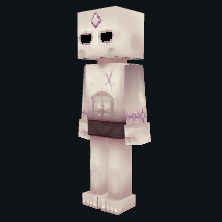
View Skin
Outlander
4131
0GodWar•Jan 22, 2026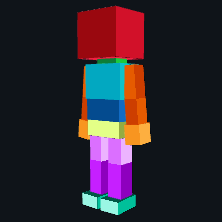
View Skin
Colorblock Adventurer
2351
0GodWar•Jan 22, 2026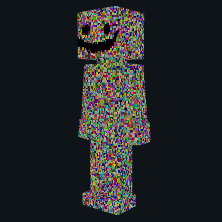
View Skin
Glitchurr my hypasta
110
0 AJ051813•Aug 22, 2026
Frequently Asked Questions
Hytale skins, also called avatars, are the outfits and looks your character can wear in Hytale. They control things like clothing, colors, hair, and accessories so players can express their style while playing.
Hytale has an in-game character creator where you mix hairstyles, faces, clothes, and colors. Avatars are modular, so you can combine items from different sets and adjust details to create a unique look.
HytaleSkins.net is a fan site that collects community made Hytale style skins and avatar ideas. You can browse designs by category, discover new looks, and download files for reference once Hytale and its modding tools are available.
Yes. After you download your desired skin from the directory, you need to follow a few steps in the game client to upload it and make it visible in single-player gameplay. On servers, custom skins generally cannot be shown unless the server owner includes skins via mods. For step-by-step instructions and examples, visit our Guides section.
No. All skins on HytaleSkins.net are fan creations inspired by the official Hytale art style and character creator. They are not endorsed by Hypixel Studios.
Yes. You can design your own avatar with your favorite editor and upload it to HytaleSkins.net so other players can discover, download, and get inspired by your work.